Password Organizer Printable (Free PDF)
WHAT IS THIS PASSWORD ORGANIZER? Everyone has the same problem: too many accounts, too many passwords, and the “forgot password” loop at the worst possible moment. This free password organizer printable is a simple one-page table with twenty rows for your logins: Website or App, Username, Password, and a Notes column for the security questions,…
WHAT IS THIS PASSWORD ORGANIZER?
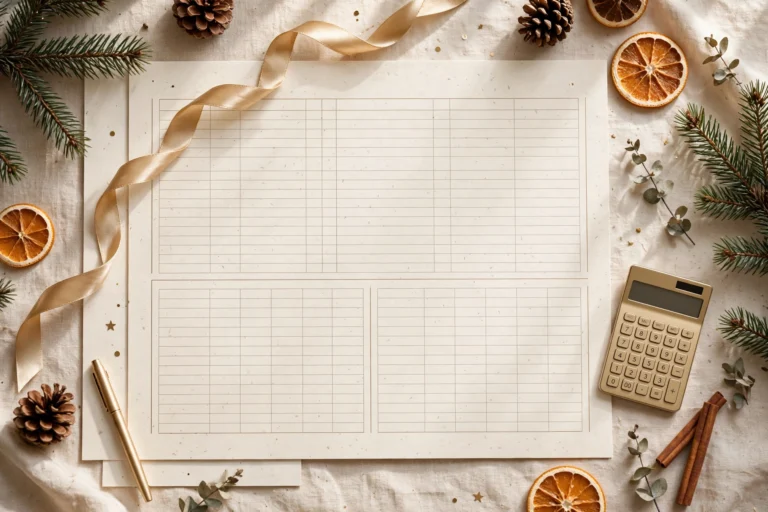
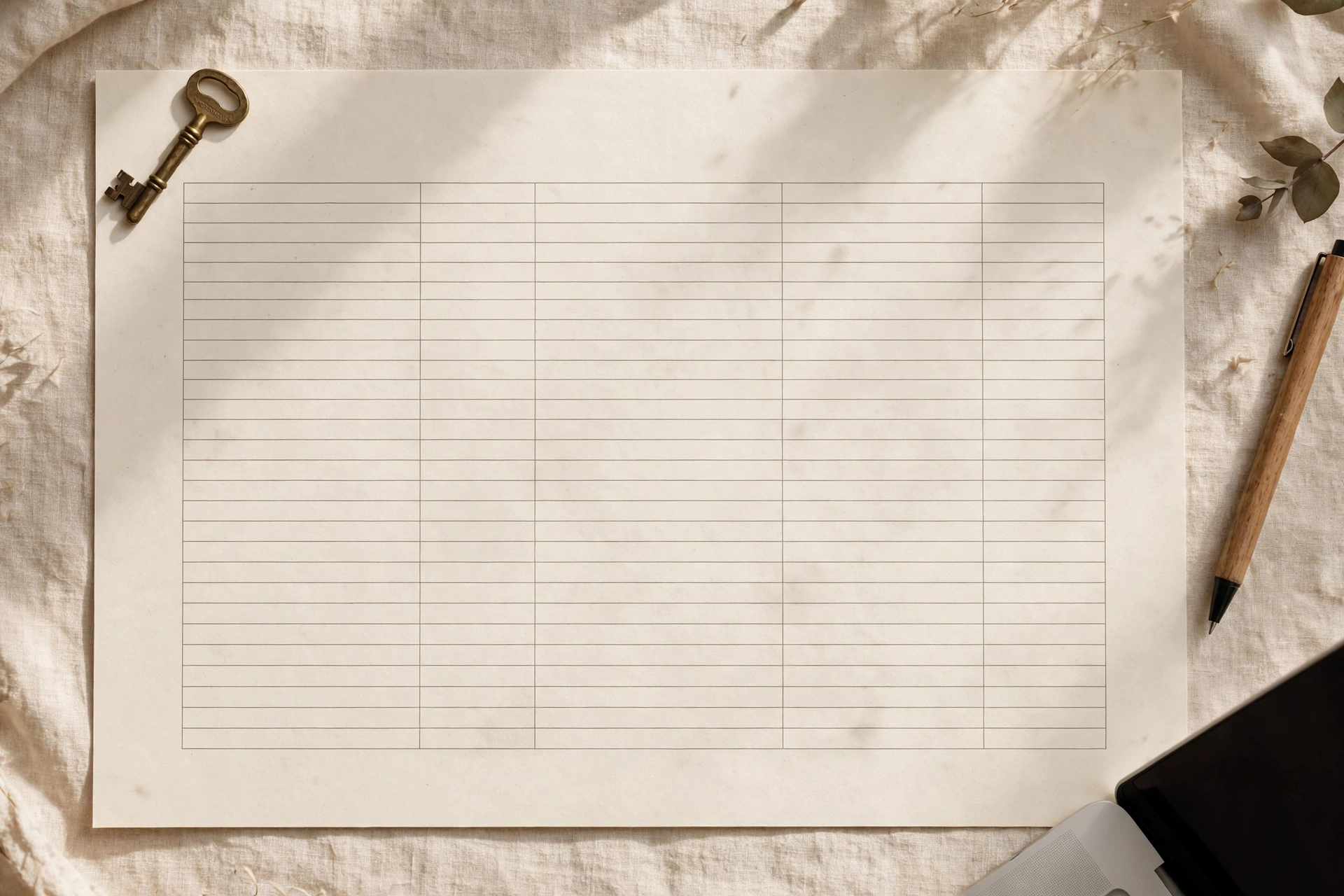
Everyone has the same problem: too many accounts, too many passwords, and the “forgot password” loop at the worst possible moment. This free password organizer printable is a simple one-page table with twenty rows for your logins: Website or App, Username, Password, and a Notes column for the security questions, backup codes, or “which email did I use” details that always go missing. This password organizer printable is free to download – print as many copies as you like.
It is for anyone drowning in accounts — streaming services, banking, shopping, school portals, work tools — who wants every login findable in one physical place. Twenty rows cover most people’s core accounts; print a second sheet if yours run longer.
A short honest note on security: a paper organizer is a practical middle ground, not a perfect one. It cannot be hacked remotely, which is a real advantage over a notes app or an unprotected spreadsheet — but it can be lost, seen, or damaged. Keep it somewhere safe and private: a locked drawer, a home safe, a binder that stays in your house. Do not leave it next to the computer, do not photograph it, and consider it a stepping stone — if you ever outgrow paper, a proper password manager is the upgrade, and this sheet makes migrating easy because everything is already listed in one place.
One more practical tip: number your sheets and keep a simple count. Write “Sheet 1 of 2” at the top so you notice immediately if one goes missing — which is the real risk with paper. A missing sheet you spot on day one is a password-reset afternoon; a missing sheet you notice in six months is a genuine problem. Numbering takes five seconds and closes the biggest hole in the paper system.
Table of Contents
WHAT’S INSIDE THIS PASSWORD ORGANIZER PRINTABLE
WEBSITE OR APP COLUMN
The widest column, for the service name: your bank, email, streaming, shopping, school, work tools. Write the full name you will recognize in six months, not an abbreviation you will have to decode.
USERNAME COLUMN
For the login name or email address each account uses. This is the column people forget they need — half of all “forgot password” pain is actually “forgot which email I signed up with” pain.
PASSWORD COLUMN
Space for the password itself, written clearly. Use print, not cursive, and distinguish your zeros from your O’s. If you use a passphrase system, write a hint only you would understand rather than the full phrase.
NOTES COLUMN
For the extras: backup codes, security question answers, two-factor app names, account numbers, “password expires every 90 days.” The notes column is what turns a list of passwords into a complete account record.
TWENTY ROWS
Twenty rows fit on one page with room to write comfortably. Most households’ essential accounts fit; a second sheet covers the long tail of old shopping accounts and forums. Number your sheets if you use more than one.
HOW TO USE THIS PASSWORD ORGANIZER PRINTABLE
- Print the sheet and list every account you can think of: email, banking, shopping, streaming, social, school, work, utilities. Check your browser’s saved passwords and your email for “welcome” messages to jog your memory.
- Fill in each row completely — website, username, password, notes. Incomplete rows are future headaches; do the boring work once.
- Update it the moment you change a password, not “later.” Later is how organizers go stale, and a stale organizer is worse than none because you trust it.
- Store it somewhere safe and private: a locked drawer, a home safe, a binder that never leaves the house. Never next to the computer, never in a bag you carry around.
- Once a quarter, scan for weak spots: reused passwords, old accounts you can delete, services you no longer use. Cross out closed accounts rather than erasing — the history is useful.
- If you ever move to a password manager app, this sheet becomes your migration checklist: work through it row by row, and tick each account as it goes into the vault.
PRINTING TIPS
Print at “Actual size” or 100 percent scale so the table columns keep their intended widths and your handwriting fits. Because this sheet holds sensitive information, print at home rather than at a shared printer, and shred old versions instead of tossing them in recycling. Standard 80 to 100 GSM paper is fine. Both A4 and US Letter versions are included. The black-and-white design prints cleanly on any home printer.
FREQUENTLY ASKED QUESTIONS
Is this organizer really free?
Yes. The PDF is free for personal use in both A4 and US Letter sizes. Print as many sheets as your accounts need.
Is it safe to write down passwords?
Safer than reusing one password everywhere or storing them in an unprotected notes app — both far more common and far riskier. Paper cannot be hacked remotely. The rules: keep it private, keep it at home, never photograph it, and shred old copies. For maximum security, a dedicated password manager app remains the gold standard.
What if I have more than twenty accounts?
Print a second sheet and number them (“1 of 2,” “2 of 2”). Most people find their truly important accounts fit on one page, with the second sheet holding the rarely-used ones.
Do you have other organization printables?
Yes. Our bill payment tracker keeps every recurring bill visible across the year, and our budget binder gives your whole money life a physical home.
DOWNLOAD YOUR FREE PASSWORD ORGANIZER
Stop doing the “forgot password” dance. Download the free password organizer printable PDF below in A4 or US Letter, spend twenty minutes listing every account once, and never hunt for a login again. Just keep the sheet somewhere safe — that part matters. Your password organizer printable is ready below in both A4 and US Letter.