Digital Declutter Checklist Printable (Free PDF)
WHAT IS THIS DIGITAL DECLUTTER CHECKLIST? Your phone has 4,000 photos, 200 apps, and notifications from accounts you do not remember creating. Your inbox has 12,000 unread emails. Your desktop is a landscape of screenshots named “final-final-v2.” This free digital declutter checklist printable brings the same calm that a clean room brings — to your…
WHAT IS THIS DIGITAL DECLUTTER CHECKLIST?
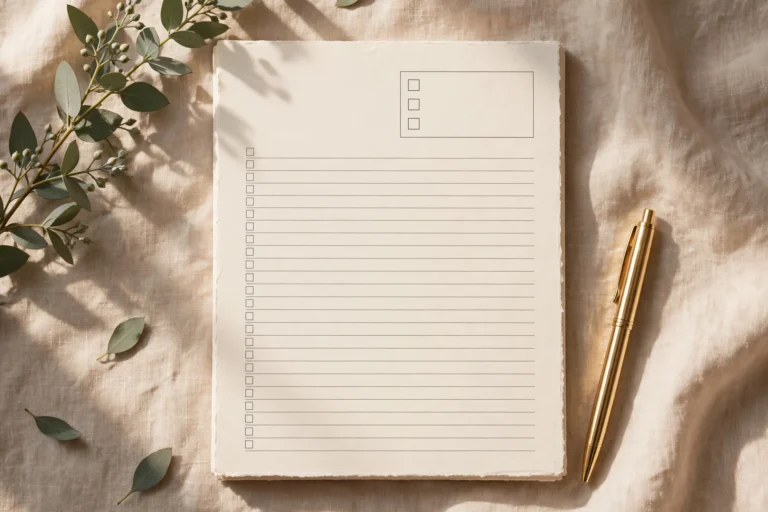
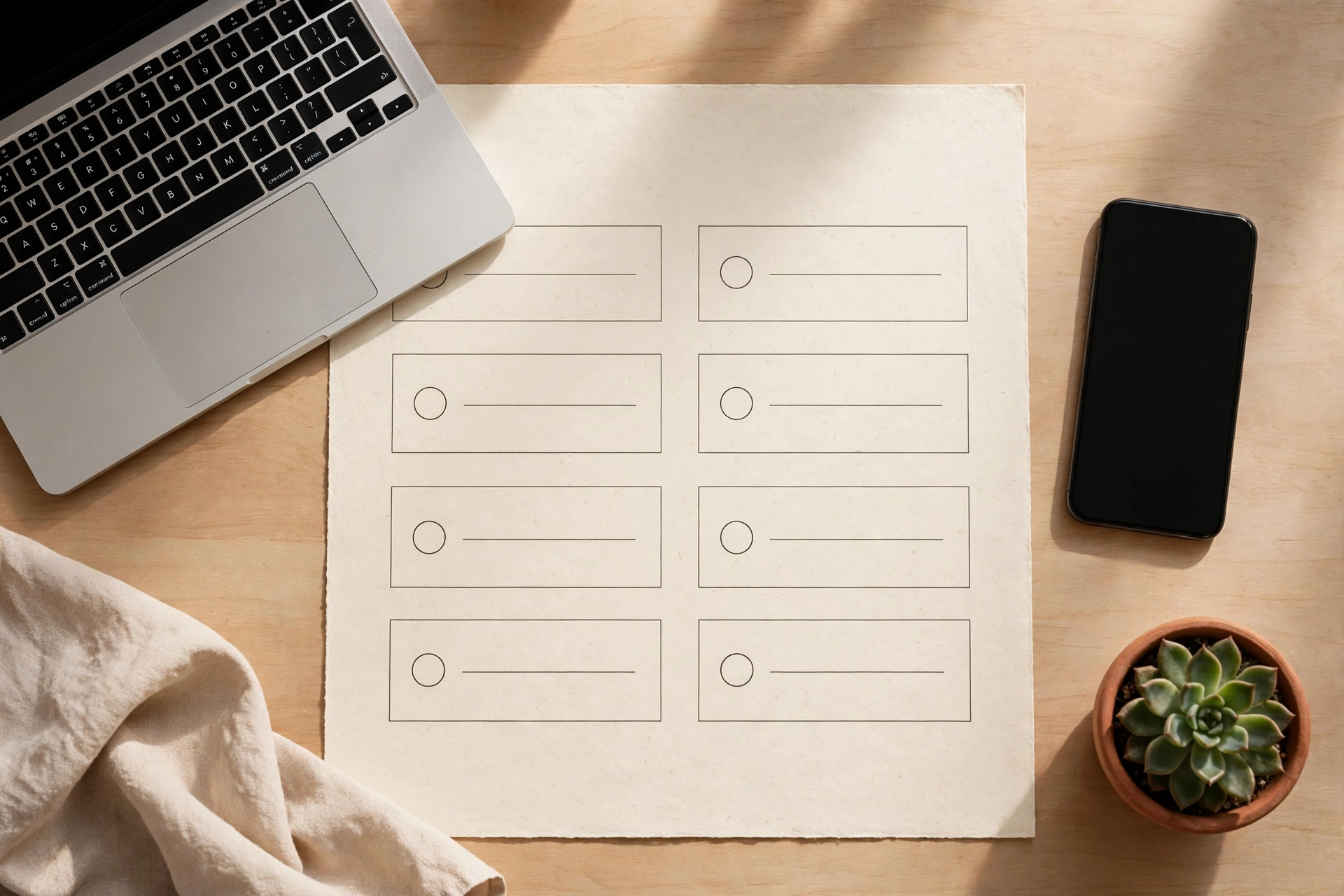
Your phone has 4,000 photos, 200 apps, and notifications from accounts you do not remember creating. Your inbox has 12,000 unread emails. Your desktop is a landscape of screenshots named “final-final-v2.” This free digital declutter checklist printable brings the same calm that a clean room brings — to your digital life. Five sections (Inbox, Phone, Photos, Files & Desktop, Subscriptions), each with five concrete tasks plus write-in lines. This digital declutter checklist is free to download – print as many copies as you like.
It is for anyone whose digital clutter has crossed from background noise into actual stress: the phone that dies by noon from background apps, the inbox that makes you miss real messages, the photo library where you cannot find the picture you need, the subscriptions quietly billing you every month. Digital clutter is invisible until it is not — and then it costs you time, money, and attention every single day.
The checklist works because it is bounded. “Declutter your digital life” is paralyzing; “unsubscribe from 10 newsletters” is a Tuesday evening. Each section is designed as a single 20–30 minute session, so the whole thing fits into a week of evenings or one focused weekend afternoon. And because it is printed, it stays visible — unlike every digital declutter app, which becomes one more icon on the cluttered home screen. Pair it with our password organizer — you will uncover forgotten accounts during the declutter, and their logins need a home.
Table of Contents
WHAT’S INSIDE THIS DIGITAL DECLUTTER CHECKLIST
INBOX
Five tasks that tame the email monster: unsubscribe from 10 newsletters you never read, delete or archive everything older than a year, set up three filters for recurring mail, empty spam and trash, and turn off non-human notifications. The goal is not inbox zero — it is an inbox where real messages are findable. Most people cut their unread count by half in the first session and wonder why they waited years.
PHONE
Five tasks for the device you touch 2,000 times a day: delete apps you have not opened in 90 days, organize the keepers into folders, clear the notification settings down to humans-only, delete downloaded media you have already watched, and review location and background permissions. A decluttered phone is measurably calmer to use — fewer badges, fewer buzzes, more battery.
PHOTOS
Five tasks for the 4,000-photo library: delete the obvious (screenshots, duplicates, blurry shots) in one pass, favorite the keepers from the last year, back up to one cloud service and confirm it, delete the “recently deleted” album for real, and set up auto-backup so it never piles up again. Photos are the heaviest digital clutter emotionally — be ruthless with the screenshots, gentle with the memories.
FILES & DESKTOP
Five tasks for the computer: clear the desktop to five items or fewer, empty the downloads folder (file or delete everything), consolidate the “misc” and “stuff” folders, rename the important files something findable, and empty the trash. Future you finds things in seconds instead of minutes — multiplied by every workday, this section pays the best hourly rate on the checklist.
SUBSCRIPTIONS
Five tasks that find real money: list every recurring charge from the last 12 months of statements, cancel the ones you do not use, downgrade the ones you underuse, turn off auto-renew on annual plans you will reconsider, and set calendar reminders 7 days before each remaining renewal. The average person finds one to three forgotten subscriptions in this section alone — it is the only declutter task that directly pays you.
WRITE-IN LINES
Each section has blank lines for your own digital clutter: the smart TV apps, the browser with 87 tabs, the cloud storage at 99 percent, the old social accounts. Every digital life has its own junk drawers — the printed tasks are the starter set, the blanks make it yours.
HOW TO USE THIS DIGITAL DECLUTTER CHECKLIST
- Print the checklist and pick one section — Inbox if email stresses you most, Subscriptions if you want the quick money win. One section per session; the whole thing is not a single sitting.
- Set a 25-minute timer per section. Digital decluttering has a rabbit-hole problem — you open the inbox to unsubscribe and emerge an hour later having reorganized 2019. The timer keeps each section a task, not a project.
- Work the checkboxes top to bottom and tick as you go. The tick matters more here than anywhere: digital work leaves no visible trace, so the paper record is the only proof of progress your brain gets.
- When you find forgotten accounts, log them in our password organizer before you decide to keep or delete them. Do not delete an account whose login you cannot recover — check access first, then decide.
- Do one section per evening for a week, or all five on a weekend afternoon with breaks. Either rhythm works; what does not work is “someday.” Put the sessions in the calendar like appointments.
- Schedule the maintenance: inbox quarterly, subscriptions twice a year, photos yearly. Write the next dates on the sheet now. Digital clutter regrows — the checklist is a seasonal haircut, not a one-time surgery. Our weekly reset checklist is a good home for the recurring reminder.
PRINTING TIPS
Print at “Actual size” or 100 percent scale so the checkboxes stay comfortable to tick. Standard 80 GSM paper is fine — this is a do-it-and-done sheet, not a keeper. Both A4 and US Letter versions are included. The black-and-white design prints cleanly on any home printer. Keep the finished sheet for a month as proof of work, then recycle it with satisfaction.
FREQUENTLY ASKED QUESTIONS
How long does the whole digital declutter take?
About two to three hours total across the five sections — roughly 25 minutes each plus transitions. Most people do it across a week of evenings. The subscriptions section is the fastest and often the most financially rewarding; photos usually take the longest.
Will I lose anything important?
Not if you follow the checklist order: it says back up before deleting, confirm access before closing accounts, and archive rather than delete where it matters. The rule is simple — nothing gets deleted until its replacement (backup, new login record, filed copy) exists. Follow that and the declutter is risk-free.
What about my work computer or work phone?
Use the same checklist but check your employer’s policies first — some workplaces restrict what you can delete or require IT approval. The personal sections (subscriptions, personal photos, personal inbox) are always safe; apply the work-device sections with your IT rules in mind.
Is this really free?
Yes. The PDF is free for personal use in both A4 and US Letter sizes. Print one per declutter — most people do it twice a year.
DOWNLOAD YOUR FREE DIGITAL DECLUTTER CHECKLIST
Your digital life is heavier than it needs to be. Download the free digital declutter checklist printable PDF below in A4 or US Letter, pick one section tonight, and set the timer. Twenty-five minutes from now, your phone will be calmer — and you will wonder why you waited. Your digital declutter checklist is ready below in both A4 and US Letter.
Free forever · No email needed · A4 + US Letter included.